
Media Grid – Overlay Manager Add-on enhances the Media Grid plugin by allowing you to fully customize the hover overlays displayed on grid items. Instead of relying on limited default styles, this add-on gives you complete creative control using a visual editor, advanced animations, and flexible design options.
You can design unique overlays with text, icons, buttons, and metadata, then assign them to specific grids or individual items. Whether you’re showcasing images, videos, galleries, or portfolios, Overlay Manager helps you create interactive hover effects that match your brand and engage visitors.
This GPL licensed add-on, distributed by wpshop.net, can be used on unlimited websites and includes lifetime free updates with limited email support.
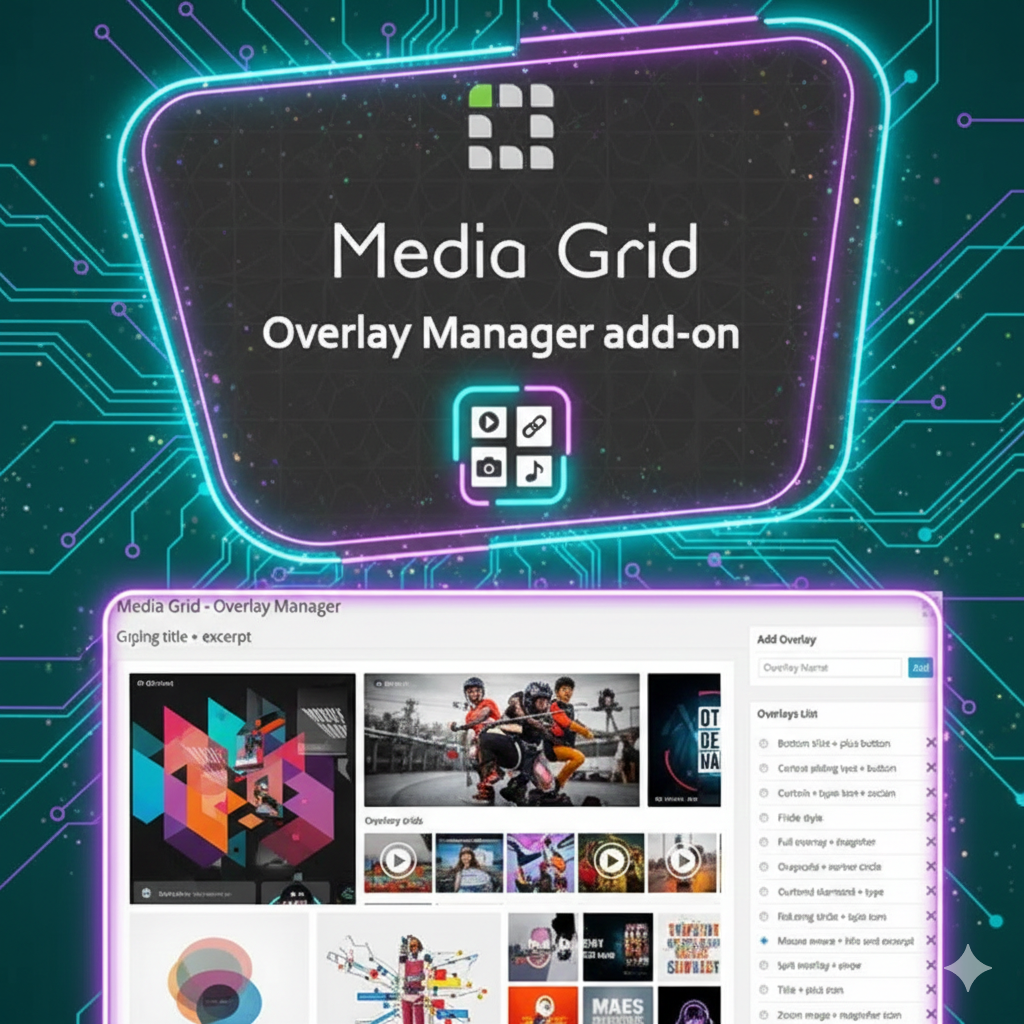
✨ Key Features of Media Grid Overlay Manager
✔ Unlimited custom overlays with a drag-and-drop visual editor
✔ Apply overlays to images, videos, galleries, and Media Grid items
✔ Add titles, descriptions, icons, buttons, and custom metadata
✔ Multiple hover animations and smooth transition effects
✔ Full control over colors, backgrounds, opacity, and styling
✔ Live preview before publishing overlays
✔ Assign different overlays per grid or per individual item
✔ 100% GPL licensed – unlimited sites with lifetime updates
🎯 Why Use Media Grid Overlay Manager?
Overlay Manager turns Media Grid into a complete design solution by removing styling limitations. Designers, agencies, and eCommerce websites can create branded hover effects that attract attention and improve user interaction.
By combining custom overlays with animations, your grid items become more engaging, clickable, and visually appealing—perfect for portfolios, product galleries, and creative showcases.
📊 Overlay Manager vs Default Media Grid
| Feature | Overlay Manager Add-on | Default Media Grid |
|---|---|---|
| Overlay Customization | Unlimited (Visual Editor) | Limited Presets |
| Hover Animations | Multiple Effects | Basic Only |
| Per-Item Overlays | Yes | No |
| Live Preview | Yes | No |
| Design Elements | Text, Icons, Buttons, Metadata | Very Limited |
| GPL License | Yes (Unlimited Sites) | Restricted |
🛠️ Installation Steps
-
Download the Media Grid – Overlay Manager Add-on ZIP file from wpshop.net
-
Go to WordPress Dashboard → Plugins → Add New → Upload Plugin
-
Upload, install, and activate the plugin
-
Make sure the core plugin is installed and active
-
Navigate to → Overlay Manager to create overlays
-
Assign overlays to grids or individual items
Free Download Now:
📜 Licensing Details
This add-on is released under the GNU General Public License (GPL), allowing unlimited usage on personal and client websites. wpshop.net provides original GPL files with lifetime free updates and limited email support. All trademarks and brand names belong to their respective owners.
❓ Frequently Asked Questions
Q: Is Media Grid plugin required?
Yes, this add-on works only with the Media Grid core plugin.
Q: Can I create multiple overlay designs?
Yes, unlimited overlays can be created and assigned.
Q: Does it support animations?
Yes, it includes multiple hover animations and transitions.
Q: Can overlays include buttons or links?
Yes, overlays can contain clickable buttons, icons, and links.
Q: Is it mobile responsive?
Yes, overlays are optimized for all screen sizes and devices.